What's new

Follow our journey as we build the business context layer.

Self-syncing ledger

Feature
W
Wellapp

Good morning.

Tasks

3 to clear before month-end close

  • Close books for May
  • Review flagged entries
  • Export to Pennylane
Graph
Ask anything or use / for commands…
GraphLedger
FilterSort
DateMemoDebitCreditAccount
Jun 09Stripe payout, June batch12,400.001010 · Cash
12,400.004010 · Revenue
Jun 08AWS infrastructure, June8,420.006240 · Hosting
8,420.001010 · Cash
Jun 06Slack subscription, Q21,800.006220 · Software
1,800.002010 · Accounts payable
Jun 04Payroll, May 202642,200.006110 · Payroll
42,200.001010 · Cash
4 entries64,820.0064,820.00Balanced

Books that keep themselves

Every transaction from a connected account now posts straight into a double-entry ledger. Each journal entry carries a matching debit and credit, so your books stay balanced as money moves without any manual bookkeeping.

Investor reports in chat

Feature
W
Wellapp

Good morning.

Tasks

May update ready

  • Review May numbers
  • Add a founder note
  • Send to investors
Graph
Ask anything or use / for commands…
GraphReports
FilterSort

Here is your May investor update with the charts.

MRR growth
MRR
82,400
Growth
+14%
Runway
19 mo
Your workspace · May 2026
Revenue112,800.00
Expenses71,400.00
Net41,400.00

Updates that write themselves

Ask for an investor update in the conversation and Well assembles the whole thing. It pulls your revenue, expenses and growth into a narrative, draws the charts to match, and hands you a report ready to send.

Connect your bank

Integration
W
Wellapp

Good morning.

Tasks

Linking your bank

  • Connect your bank
  • Import last 90 days
  • Confirm starting balance
Graph
Ask anything or use / for commands…
GraphConnectors
FilterSort

Select your bank

Search for your bank
C
Chase
B
BNP Paribas
Q
Qonto
M
Mercury
R
Revolut
H
HSBC
W
Wise
M
Monzo

Secured by Plaid

Link your bank in seconds

A single connect flow now links your bank through Plaid. Search for your institution, authenticate once, and your accounts and transactions start syncing in seconds.

Records statistics

Feature
W
Wellapp

Good morning.

Tasks

4 invoices this month

  • Send the May statement
  • Chase Quanta Foods
  • Reconcile June batch
Graph
Ask anything or use / for commands…
GraphInvoices
FilterSort
InvoiceCompanyAmountStatus
INV-2041
A
Acme Robotics
18,400.00
Paid
INV-2040
N
Northwind Studio
9,250.00
Paid
INV-2039
L
Lighthouse Labs
12,050.00
Due
INV-2038
M
Meridian Group
5,300.00
Due
INV-2037
Q
Quanta Foods
3,200.00
Overdue
Σ 48,200.00·avg 12,050.00·4 records

Totals at a glance

A statistics row now sits at the bottom of every records view. Sum, average and count roll up across the rows in front of you, so you can read the totals for any view without exporting to a spreadsheet.

Account ownership

Feature
W
Wellapp

Good morning.

Tasks

5 accounts connected

  • Confirm your accounts
  • Review counterparties
  • Connect another bank
Graph
Ask anything or use / for commands…
GraphAccounts
FilterSort
AccountIBANTypeOwner
Q
Qonto · Operating
•••• 4021Deposit
Your account
M
Mercury · USD
•••• 8830Deposit
Your account
B
BNP Paribas · Savings
•••• 1175Savings
Your account
R
Revolut · Northwind
•••• 6642Deposit
Counterparty
W
Wise · Acme Corp
•••• 9018Deposit
Counterparty
5 accounts · 3 yours

Know which accounts are yours

Connected accounts now carry a clear owner. Well tells your own bank accounts apart from the counterparties you pay and get paid by, so your balances and cash flow only count the money that is actually yours.

Vision agent

Feature
W
Wellapp

Good morning.

Tasks

Extracting fields

  • Capture invoice on screen
  • Review extracted fields
  • Post to ledger
Graph
Ask anything or use / for commands…
GraphDocuments
FilterSort
Reading screen
Extracted fields7 fields
SupplierNorthwind Ltd.
Invoice numberINV-20418
Issue dateMay 27, 2026
Due dateJun 26, 2026
Subtotal4,200.00
VAT (20%)840.00
Total due5,040.00

Capture what you see

The browser extension now reads the invoice open on your screen and pulls the fields out in place. No download, no upload, no switching tabs. Open a document, and the supplier, dates, and totals land in Well ready to review.

Connector directory

Integration
W
Wellapp

Good morning.

Tasks

120+ available

  • Connect your bank
  • Link accounting tool
  • Sync your inbox
Graph
Ask anything or use / for commands…
GraphConnectors
FilterSort
Search integrations and banks…
All
Banks
Accounting
Q
Qonto
Connect
M
Mercury
Connect
S
Stripe
Connect
R
Revolut
Connect
P
Pennylane
Connect
S
Sage
Connect
H
HubSpot
Connect
G
Gmail
Connect
S
Slack
Connect
N
Notion
Connect
X
Xero
Connect
P
Pipedrive
Connect
120+ connectors and counting

Every tool in one place

Finding the right integration used to mean digging through menus. The new connector directory puts every tool and bank on a single searchable page. Filter by category, search by name, and connect what you need in a couple of clicks.

3D context graph

Feature
W
Wellapp

Good morning.

Tasks

7 connected records

  • Explore the Acme cluster
  • Review new connections
  • Pin key records
Graph
Ask anything or use / for commands…
GraphGraph
FilterSort
7 connected records

See your business connect

Your records now render as a living 3D graph, the way Obsidian shows linked notes. Spin it, zoom into a cluster, and watch how a company links to its invoices, accounts, and people. The closer a record sits, the more central it is to what you are looking at.

Workspace groups

Feature
W
Wellapp

Good morning.

Tasks

3 workspaces in this group

  • Review group access
  • Invite a teammate
  • Read across workspaces
Graph
Ask anything or use / for commands…
GraphWorkspaces
FilterSort
WorkspaceMembersStatusRole
W
Wellapp Group
Group
24 membersActiveOwner
W
Wellapp France
8 membersActive
Admin
W
Wellapp US
6 membersActive
Member
W
Wellapp Studio
5 membersActive
Member
W
Wellapp Labs
5 membersActive
Viewer
4 workspaces · 24 members

One group, every workspace

Nest your workspaces under a parent group to mirror how your organization is set up. Manage access in one place and read across every workspace in the group, so the full picture is always a click away.

Connectors grouped by category

Improvement
W
Wellapp

Good morning.

Tasks

12 tools connected

  • Connect your accounting tool
  • Review sync status
  • Add a CRM
Graph
Ask anything or use / for commands…
GraphConnectors
FilterSort
Banking
Q
Qonto
M
Mercury
S
Stripe
R
Revolut
Accounting
P
Pennylane
S
Sage
X
Xero
Q
QuickBooks
CRM
H
HubSpot
S
Salesforce
P
Pipedrive
A
Attio
Communication
S
Slack
G
Gmail
N
Notion
L
Linear

Find your tools faster

The connector picker now groups every tool by category, from banking and accounting to CRM and communication. Scan the section you need instead of scrolling one long list, and connect your stack in a few clicks.

Create invoice from chat

Feature
W
Wellapp

Good morning.

Tasks

1 draft awaiting review

  • Review the Acme draft
  • Confirm line items
  • Send the invoice
Graph
Ask anything or use / for commands…
GraphInvoices
FilterSort

Invoice Acme for 12 hours of design at 120 per hour

Here is a draft. Review the line items and totals before sending.

FromWellapp
ToAcme
Design, 12 hours12 × 120.001,440.00
Project setup1 × 200.00200.00
Total1,640.00
Ask anything or use / for commands…

Draft an invoice in one sentence

Tell Well who to bill and what for, and it drafts the invoice for you. Line items, quantities and totals are filled in, ready for you to review and send. No forms, no copy and paste.

Context graph

Feature
W
Wellapp

Good morning.

Tasks

Explore connected records

  • Review new connections
  • Tag the Acme cluster
  • Open the context graph
Graph
Ask anything or use / for commands…
GraphGraph
FilterSort
A
AcmeCompany
M
Marie Laurent
T
Tom Becker
INV-2041
Stripe payout
S
Sara Okoye
6 records connected to Acme

See how everything connects

Your records no longer sit in separate lists. The context graph draws the links between companies, people, invoices and transactions, so you can follow a relationship from one record to the next and see the whole picture at a glance.

AI-powered field rules

Feature
W
Wellapp

Good morning.

Tasks

Column rules to review on Invoices

  • Review amount rules
  • Add a currency rule
  • Confirm overdue formatting
Graph
Ask anything or use / for commands…
GraphInvoices
FilterSort
Amount · Column settings
Rules applied to every value in this column
Number
Validation
Active
Amount must be greater than 0 and less than 1,000,000
Edit
Default value
AI-assisted
When empty, set to the vendor's default currency (EUR)
Edit
Conditional format
Visual
Highlight red when overdue by more than 14 days
Edit
Describe a new rule and Well will turn it into logic.

Columns that enforce themselves

Open the rules tab on any column to define validation logic, default values, and conditional formatting. Type @ to reference other fields in your rules with autocomplete. AI generates and tests rule expressions so you describe what you want in plain English instead of writing formulas.

Improvements and fixes, March 2026

Improvement
W
Wellapp

Good morning.

Tasks

6 improvements shipped in March

  • Review March changes
  • Test Plaid reconnect
  • Check mobile chat input
Graph
Ask anything or use / for commands…
GraphUpdates
FilterSort
March 20266 shipped
PerformanceTable scroll virtualized at 10k+ rows
fix
ChatStreaming responses now pause on network drops
fix
RecordsInline edit keeps focus after save
improvement
ConnectorsPlaid reconnect flow now one click
improvement
WorkflowsNode search matches on alias and tags
improvement
MobileKeyboard avoidance on chat input
fix

Better across the board

  • Cross-table queries in chat: ask questions across your entire data schema
  • Workspace memory: chat now remembers context between sessions
  • Entity merge and dedup: fewer duplicate records across your workspace
  • Chat message persistence: messages survive navigation between record types
  • Chat keyboard shortcuts: mode toggle, attach files, help overlay
  • Reasoning summary streaming: see AI thinking steps while it processes
  • Location field: add locations to people and company records
  • Real-time connector status: see live connector health on your dashboard
  • Table context menus: right-click column headers and cells for sort, hide, copy, and edit actions
  • Daily FX rate sync: exchange rates from ECB update automatically for multi-currency amounts
  • 404 page in-app: not-found pages keep navigation intact so you stay in context

Plan mode for tasks

Feature
W
Wellapp

Good morning.

Tasks

Plan mode broke this into steps

  • Close March books
  • Review flagged items
  • Prepare board pack
Graph
Ask anything or use / for commands…
GraphTasks
FilterSort
Close the books for March 2026
+240
In progress
Reconcile bank accounts
Done
Qonto · main
Done
Mercury · USD
Done
Categorize March transactions
In progress
Auto-categorize with AI
Done
Review flagged transactions
In progress
Generate P&L and export
To do
Prepare Q1 board pack
+240
To do
Draft revenue summary
To do
Update runway forecast
To do

From flat lists to structured workflows

Plan mode transforms tasks from flat to-do lists into structured workflows. Create a parent task, add subtasks, and watch the tree auto-complete as work progresses. Progressive disclosure shows only what matters at each level.

AI intelligence on every record

Feature
W
Wellapp

Good morning.

Tasks

3 records waiting on enrichment

  • Enrich Stripe record
  • Review AI suggestions
  • Confirm company details
Graph
Ask anything or use / for commands…
GraphCompanies
FilterSort
Enrich record
S
Stripe, Inc.
Payments infrastructure · San Francisco, CA
AI suggestions7 fields · 1.2s
Registered nameStripe, Inc.
Founded2010
Headcount8,400 employees
IndustryPayments infrastructure
HQSan Francisco, CA
Websitestripe.com
LinkedInlinkedin.com/company/stripe
Reject allAccept all

One button for every entity

The unified intelligence pipeline adds a magic button to every record. Click it to trigger AI enrichment: auto-fill missing data, chain reconciliation across related records, and merge duplicates with transitive cluster consolidation. Works on companies, people, invoices, and every custom entity.

Layout customization

Feature
W
Wellapp

Good morning.

Tasks

6 invoices to move this week

  • Pay Slack invoice
  • Chase overdue Mercury
  • Confirm Stripe payout
Graph
Ask anything or use / for commands…
GraphInvoices
FilterSort
TableKanbanCalendarGalleryList
To pay3
S
Slack
INV-052$1,800
Mar 28
A
Asana
INV-061$3,400
Apr 02
P
Pennylane
INV-074$420
Apr 06
Paid2
S
Stripe
INV-047$5,200
Mar 19
S
Sage
INV-063$920
Mar 05
Overdue1
M
Mercury
INV-055$680
Feb 22

Same data, five shapes

Type /layout in chat to transform your data into the view that fits your task. Kanban groups records by status. Calendar plots them by date. Gallery shows visual tiles. List compresses to rapid scanning.

Custom columns with AI enrichment

Feature
W
Wellapp

Good morning.

Tasks

Add an AI column to enrich records

  • Estimate headcount range
  • Tag by segment
  • Pull funding stage
Graph
Ask anything or use / for commands…
GraphCompanies
FilterSort
CompanyDomainSegment
Stripe avatar
Stripe
stripe.comPayments
Slack avatar
Slack
slack.comCommunication
Asana avatar
Asana
asana.comProductivity
Sage avatar
Sage
sage.comAccounting
Qonto avatar
Qonto
qonto.comBanking
New AI column
Column name
Headcount range
What to compute
Estimate the employee range for each company using public data sources and the domain.
Type · SelectCreate

Describe a column in plain English

Type a sentence like "total unpaid invoices over 90 days" and the system queries related records, filters by status, and sums the amounts, all from that single description. Custom columns work for currency amounts, expense categories, fraud scores, or any computed value you need.

Dedicated pages for every resource type

Feature
W
Wellapp

Good morning.

Tasks

Every resource on its own page

  • Open Companies view
  • Browse Transactions
  • Check Providers
Graph
Ask anything or use / for commands…
GraphRecords
FilterSort
Companies
182 records
People
341 records
Invoices
514 records
Documents
2,140 records
Transactions
6,820 records
Bank accounts
7 accounts
Providers
24 connected
Categories
36 in use
Workflows
12 active

Eight resources, eight pages

Every core data type now has a dedicated navigation entry with its own table view and empty state. Browse companies, people, invoices, documents, transactions, bank accounts, providers, and categories from the sidebar, each with contextual columns, sorting, and filtering tuned to that resource type.

Accounting data views

Feature
W
Wellapp

Good morning.

Tasks

2 to clear before month-end close

  • Post March payroll
  • Review flagged entries
  • Reconcile Stripe payouts
Graph
Ask anything or use / for commands…
GraphAccounting
FilterSort
Chart of accountsJournal entriesLedger records
EntryDateMemoDebitCreditAccount
JE-2026-042Mar 12Stripe payout, March batch12,400.00-1010 · Cash
JE-2026-042Mar 12Stripe payout, March batch-12,400.004010 · Revenue
JE-2026-041Mar 10Slack subscription, Q11,800.00-6220 · Software
JE-2026-041Mar 10Slack subscription, Q1-1,800.002010 · AP
JE-2026-038Mar 04Payroll, February 202642,180.00-6110 · Payroll
JE-2026-038Mar 04Payroll, February 2026-42,180.001010 · Cash
JE-2026-036Mar 01AWS infrastructure, March8,420.00-6240 · Hosting

Your books, in context

Accounting entities, such as chart of accounts, journal entries, and ledger records, are now first-class data views with full table support. Filter, sort, and explore your accounting data the same way you work with invoices and transactions, with typed columns and relationship links across the financial graph.

Tasks, reimagined

Feature
W
Wellapp

Good morning.

Tasks

6 tasks, earn rewards as you go

  • Connect your first bank
  • Invite your team
  • Import last quarter
Graph
Ask anything or use / for commands…
GraphTasks
FilterSort
All tasks
TaskStatusPriorityAssigneeReward
Connect your first bank account
In progress
High
M
Marie
+80
Invite your team
To do
Medium
P
Paul
+40
Import last quarter's invoices
In review
High
L
Lea
+120
Set up your first workflow
Done
Medium
M
Marie
+60
Categorize March transactions
To do
Low
S
Sam
+30
Review reconciliation report
To do
Medium
P
Paul
+50

From simple list to command center

Tasks now have their own page with a filterable table, inline status and priority editing, and assignee management. Start with activation templates that guide you through setup. Each task carries a token reward and sidebar actions for completion. Subtasks nest under parents with progress roll-up, and status transitions follow a progressive disclosure model that surfaces the right action at the right time.

Chat history

Feature
W
Wellapp

Good morning.

Tasks

Pick up where you left off

  • Reconcile Stripe payouts
  • Review overdue invoices
  • Summarize April cash flow
Graph
Ask anything or use / for commands…
GraphConversations
FilterSort
Search conversations
Recent
Top vendors by spend this quarter
2h ago
Reconcile Stripe payouts for March
Yesterday
Find overdue invoices above $1K
2 days ago
Summarize cash flow, April 2026
5 days ago
Why is Slack invoice unpaid?
Mar 24
Create category from vendor name
Mar 18
Which vendors did we spend the most with this quarter?
Your top 5 vendors by spend this quarter, from 412 transactions:
Stripe$84,200
AWS$42,180
Notion$18,420
Slack$12,300
Ask anything about your data...

Pick up where you left off

Every AI conversation is now saved and searchable. Open the history panel to browse past threads, paginate through older sessions, or delete conversations you no longer need. Your chat context persists across sessions so you never lose a useful answer.

Record side panel

Feature
W
Wellapp

Good morning.

Tasks

3 records to enrich today

  • Review Asana onboarding
  • Confirm Stripe revenue
  • Tag new contacts
Graph
Ask anything or use / for commands…
GraphCompanies
FilterSort
CompanyDomainStatus
Stripe avatar
Stripe
stripe.com
Active
Slack avatar
Slack
slack.com
Active
Asana avatar
Asana
asana.com
Pending
Sage avatar
Sage
sage.com
Active
Qonto avatar
Qonto
qonto.com
Active

Every record, one click away

Click any row to open a unified side panel with tabs for overview, relationships, and files. Fields are discovered automatically from your data, with no manual configuration needed. Navigate between related companies, people, and invoices without leaving the panel, and view attached documents inline with full preview.

80+ new MCP connectors

Integration
80+ new MCP connectors

Plug in your tools

Well now connects to 86+ apps your team already uses: HubSpot, Stripe, Notion, QuickBooks, Slack, Linear, and dozens more across CRM, finance, productivity, and dev tools. Your workflows can read and write data from any of them, no custom code needed.

Enrich records from your tables

Feature

One button enrich, reconcile, extract, categorize

Select rows in any table and press Enrich. Well automatically fills missing data, links related records across tables, and classifies entries using your custom rules.

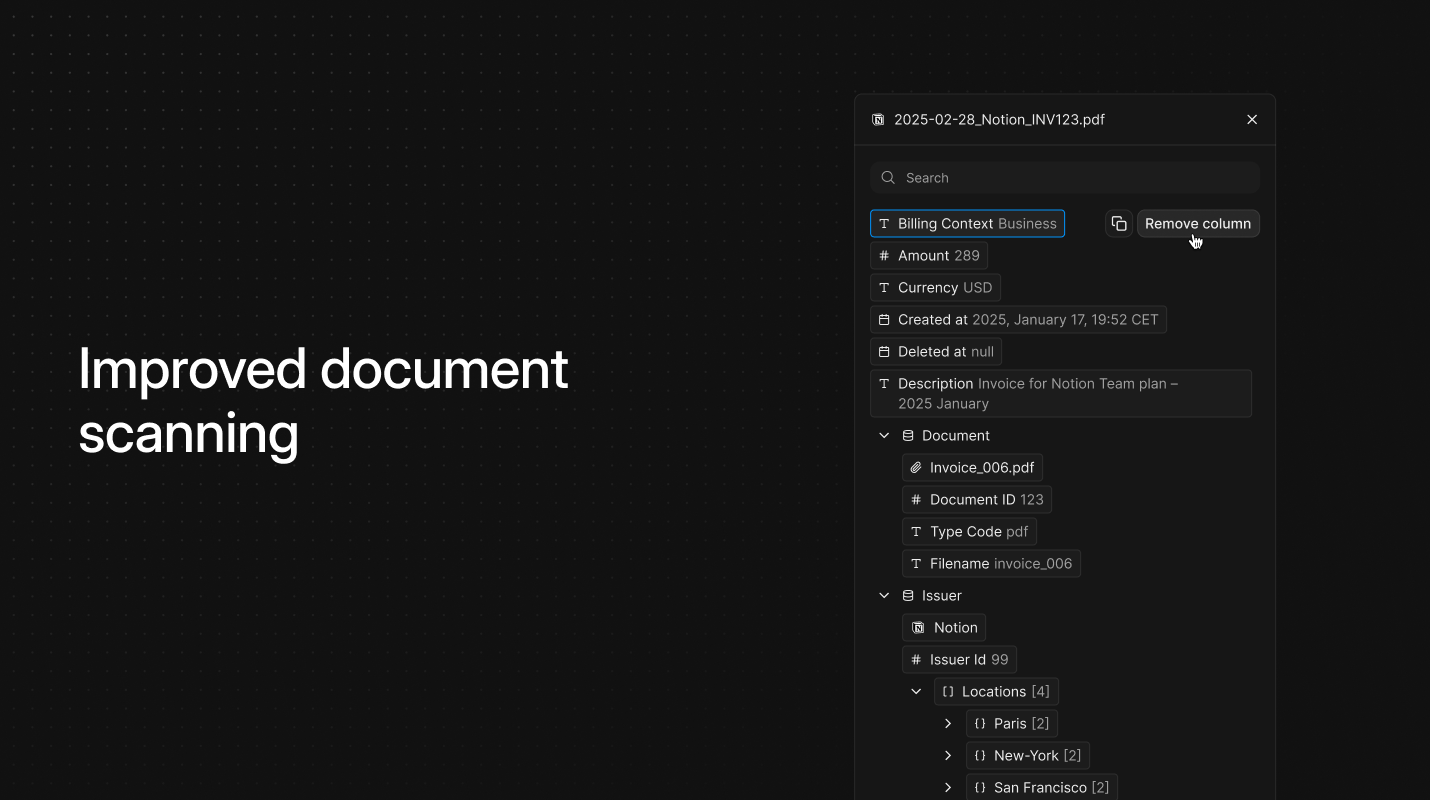
Improved document scanning

Improvement
Improved document scanning

More documents, better accuracy

The OCR engine now handles more document types and picks up fields it used to miss, like line items on invoices or dates on contracts.

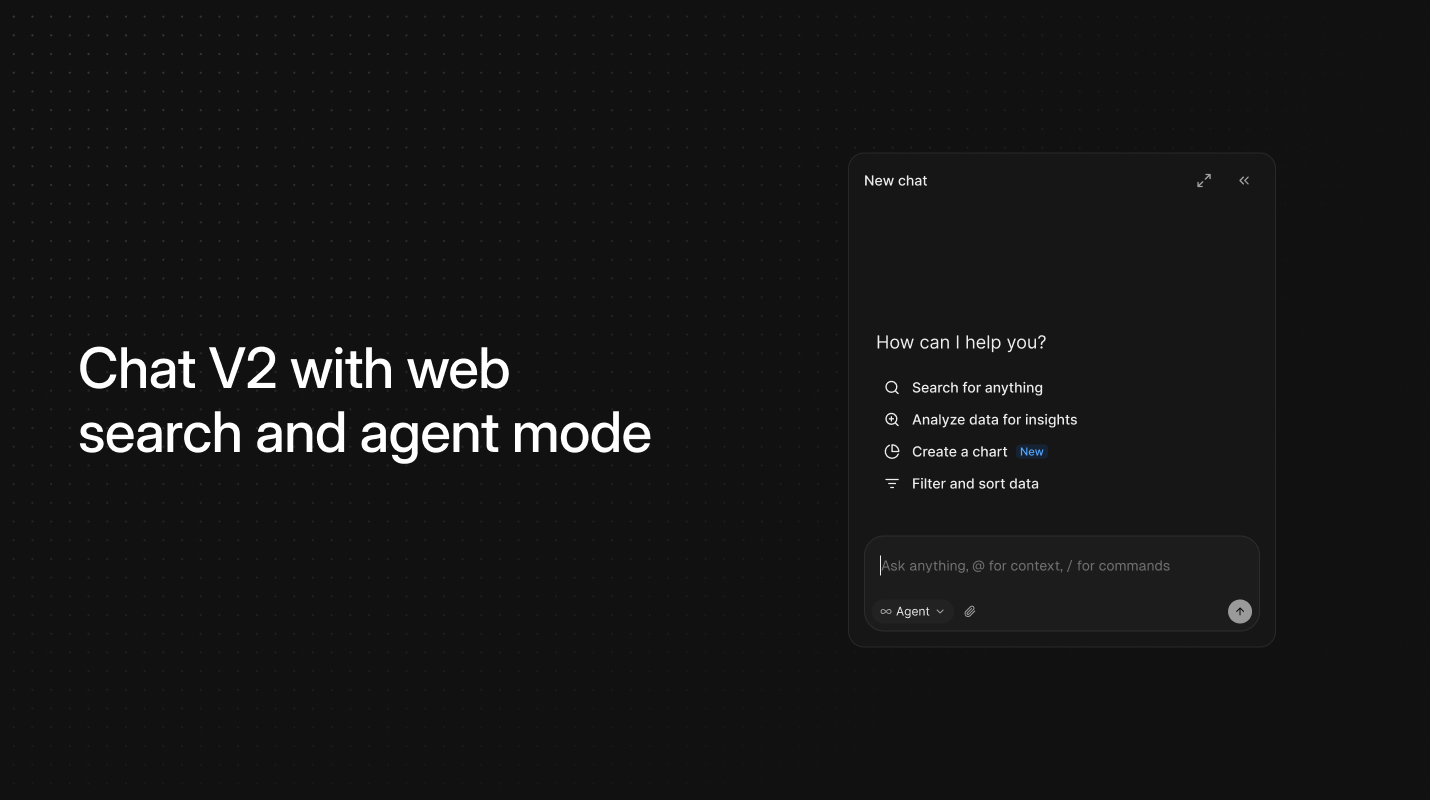
Chat V2 with web search and agent mode

Feature
Chat V2 with web search and agent mode

Web search, ASK mode, and task lists

Chat can now search the web and switch into ASK agent mode when you need it. When chat builds a plan, it turns the steps into a task list you can track and complete.

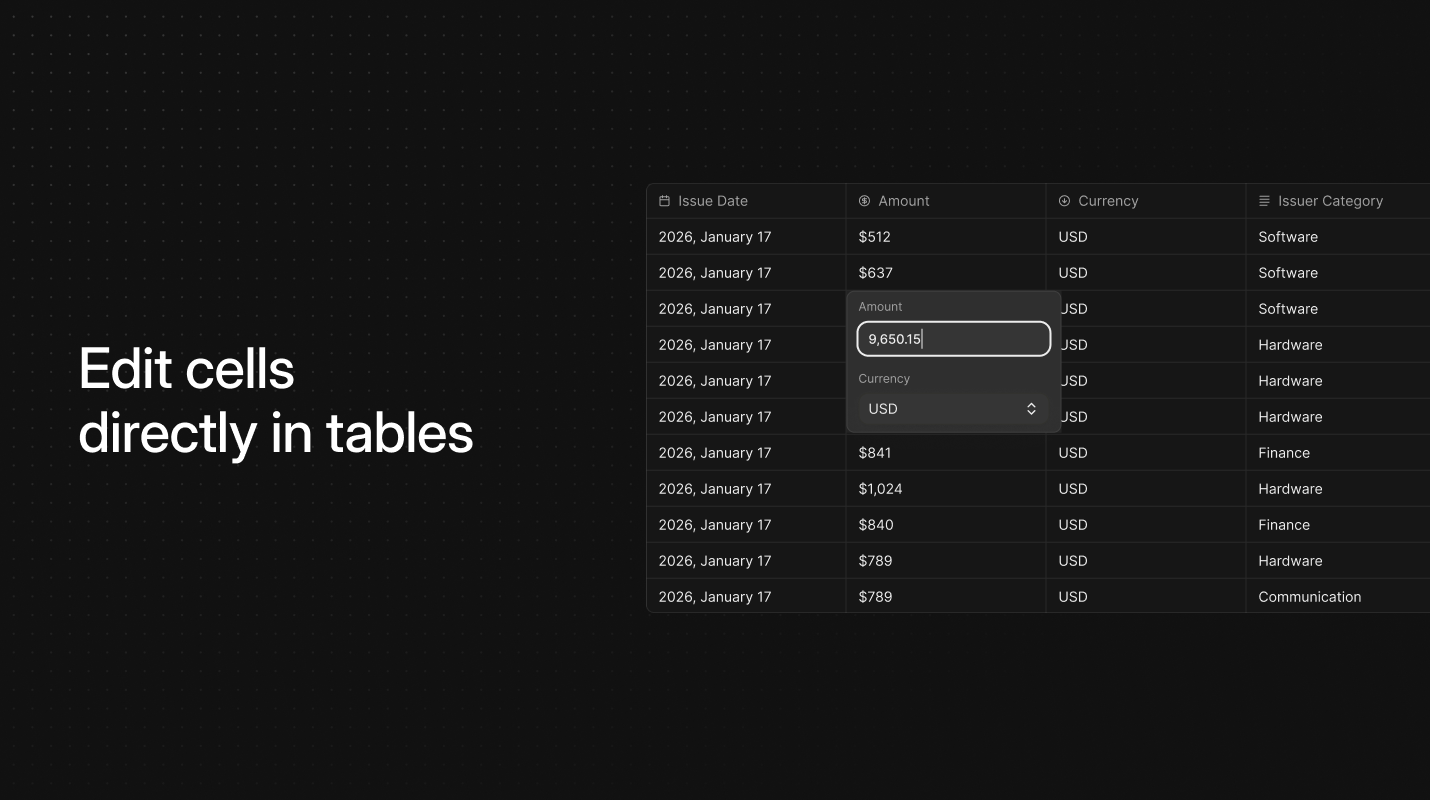
Edit cells directly in tables

Feature
Edit cells directly in tables

Edit without leaving the table

Double-click any cell in a table to edit it in place. Dates, emails, numbers, and select fields are all editable without opening a detail view.

Multiple workspaces

Feature
Multiple workspaces

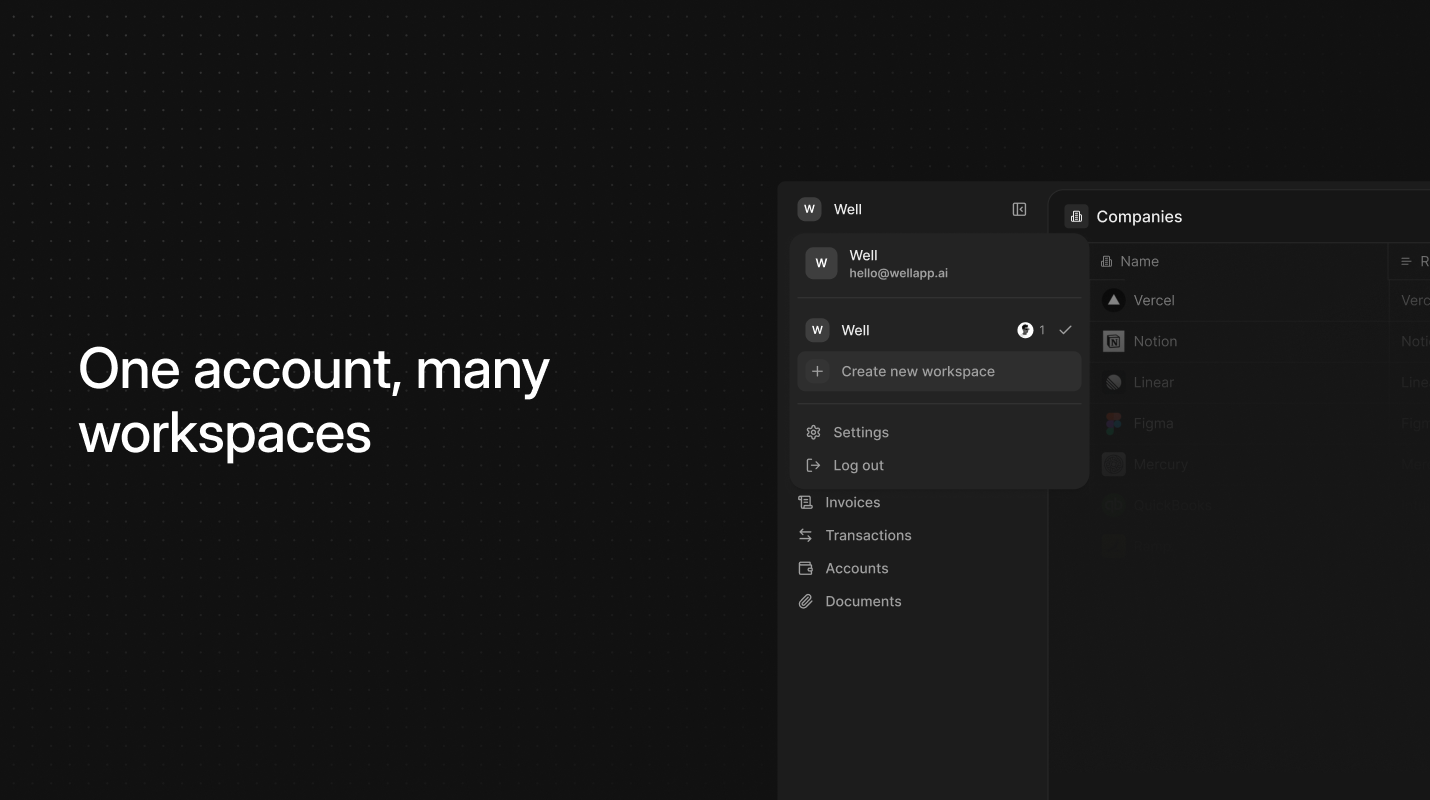
One account, many workspaces

You can now create and manage multiple workspaces within a single Well account. Each workspace has its own data, connections, and workflows, making it easy to separate companies, clients, or environments without switching accounts.

Connect your bank accounts

Integration

Introducing open banking

We're launching 11,000+ bank connectors. Connect your bank accounts and transactions sync in real-time. Instead of downloading statements or copying numbers into spreadsheets, your data flows directly into Well. Use your AI tools to do the rest.

Expose your financial stack via MCP

Feature
API

Introducing the Well MCP

We're launching Well MCP, a Model Context Protocol server that lets AI tools safely read and write live business data from Well. Instead of exporting spreadsheets or wiring brittle integrations, you can now connect Claude, Cursor, ChatGPT, and automation tools directly to your financial graph.

Team members and invitations

Feature
Team members and invitations

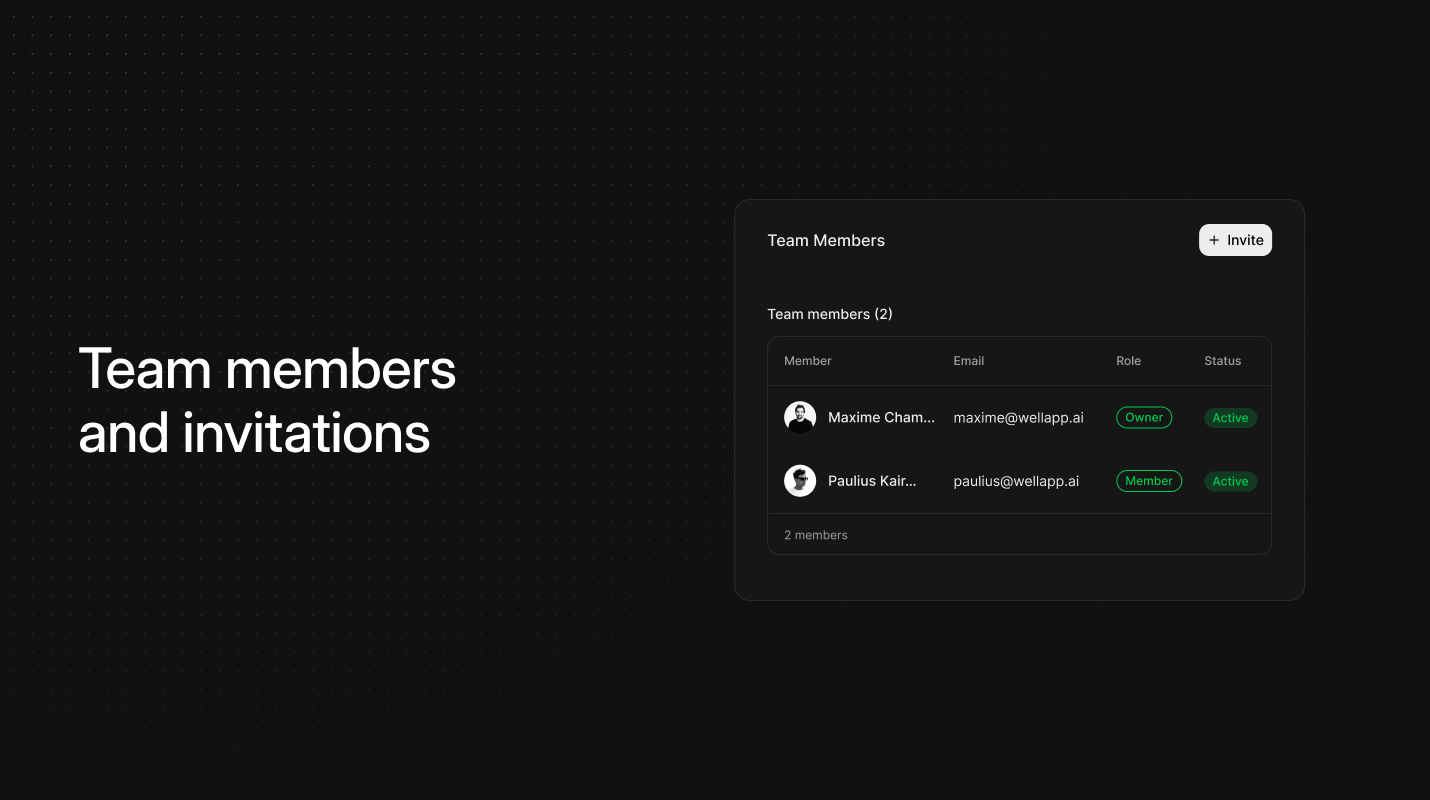
Invite others into your workspace

Workspaces now support member invitations with role assignment and status tracking. The new Members section gives you a clear overview of everyone who has access, making it easier to manage permissions over time without relying on external tooling.

Filtering across workflows and tables

Feature

Introducing filtering

Filtering lets you focus on the exact subset of records that matter. You can now filter documents at the router level and narrow down records directly in tables, using simple, plain language. Whether you're routing data through workflows or exploring it in the app, filtering helps keep everything clean, relevant, and easy to manage.

Workflows to source and route business data

Feature
Workflows to source and route business data

Introducing workflows to source and route business data

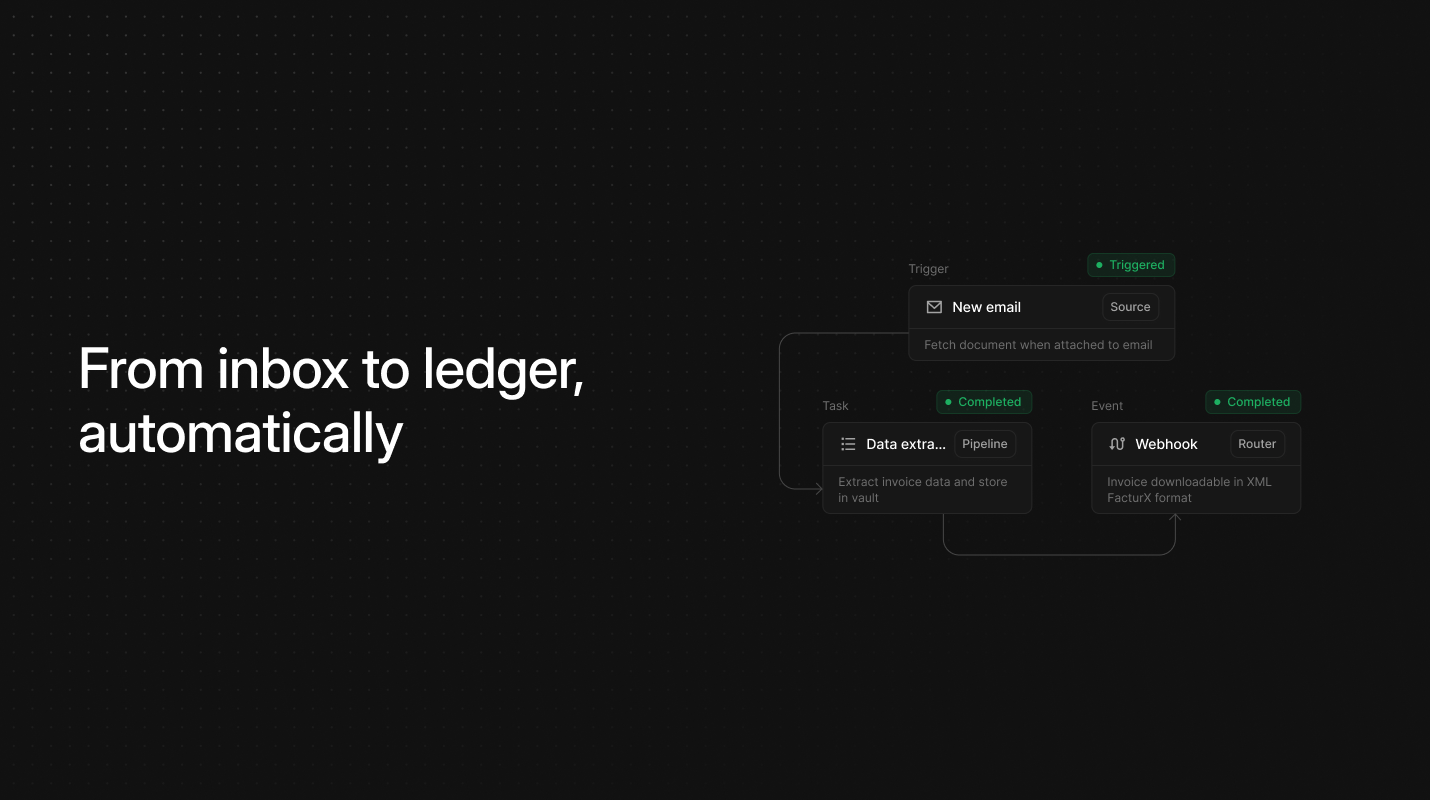
Managing business data often means juggling tools, inboxes, and storage systems that don't naturally talk to each other. Workflows brings all of that into one place. It lets you install multiple source connectors to pull invoices, receipts, and business data directly from the tools you're already using, whether that's Gmail, Outlook, WhatsApp, or others.

You can pair those sources with any number of destination routers, sending documents and data exactly where they need to go in your accounting or finance software. Add as many connectors and routers as your operations require, and shape a flow that mirrors how your business actually works.

Google Drive integration for routing documents

Integration
Google Drive integration for routing documents

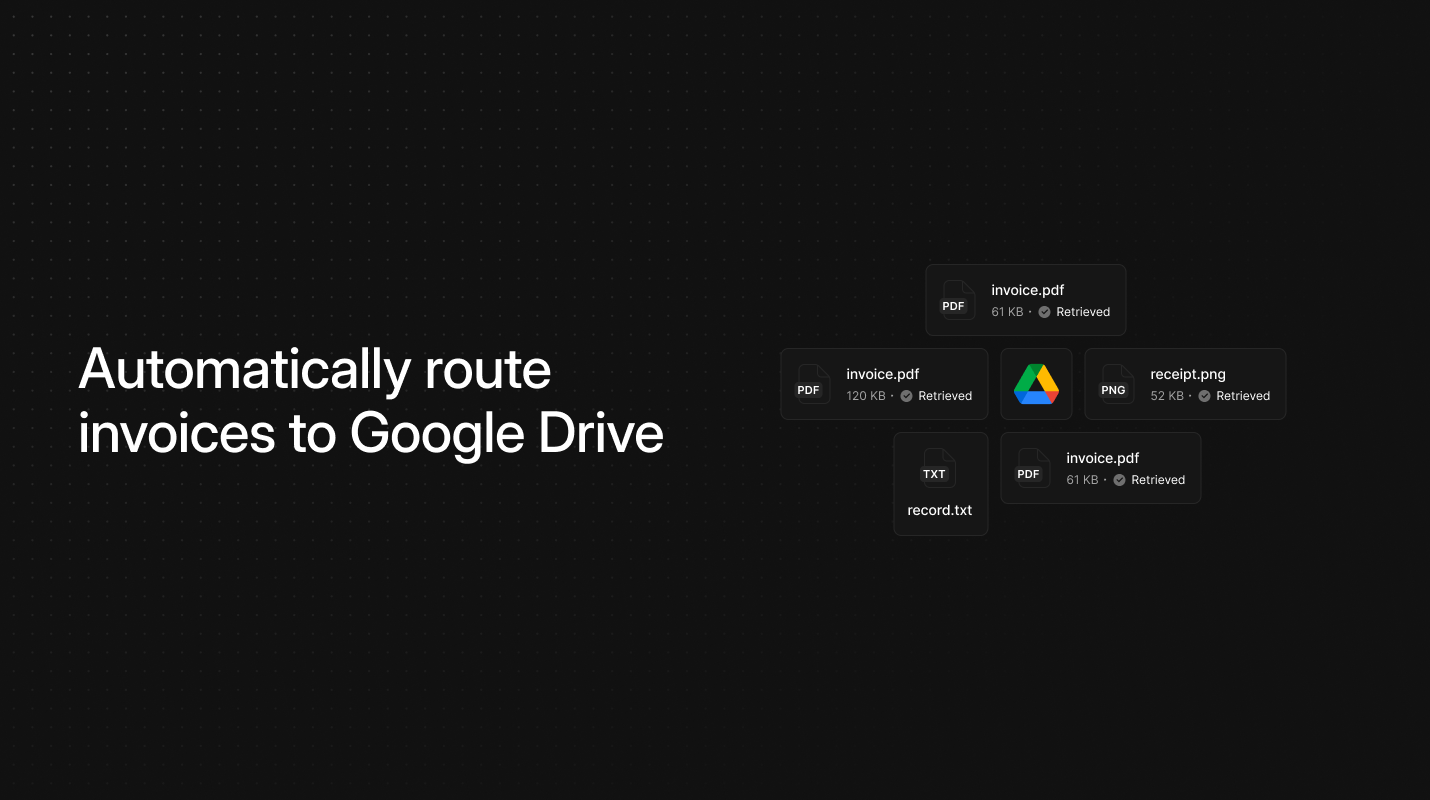
Introducing Google Drive integration for routing documents

For teams managing large volumes of vendor invoices, organizing files into the right location can easily become a bottleneck. Our new Google Drive integration removes that friction by automatically placing incoming documents into a designated Drive folder as soon as they are processed. Once enabled, the connector securely links your Google Drive account and routes each invoice to the correct storage destination without any manual sorting.

Meet the Well Chrome browser extension

Feature
Meet the Well Chrome browser extension

Meet the Well Chrome extension

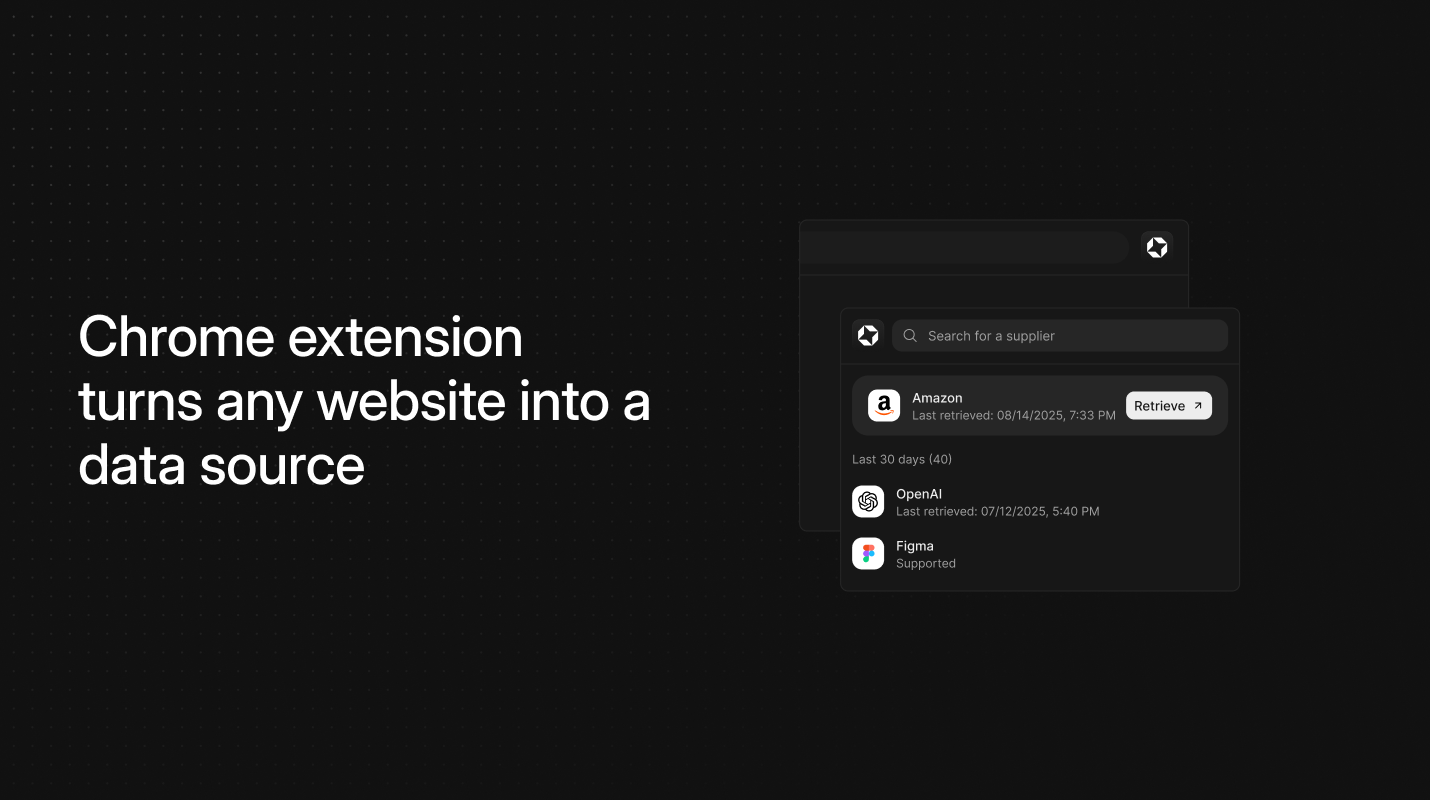
For teams drowning in downloads, Well auto-collects invoices and receipts from billing portals and routes them straight to your account. Install, choose providers, click collect, done. Background jobs handle the rest. Coverage is expanding rapidly toward 10,000+ suppliers including Amazon, Notion, Claude, and more.

WhatsApp integration for document capture

Integration
WhatsApp integration for document capture

Introducing WhatsApp integration for document capture

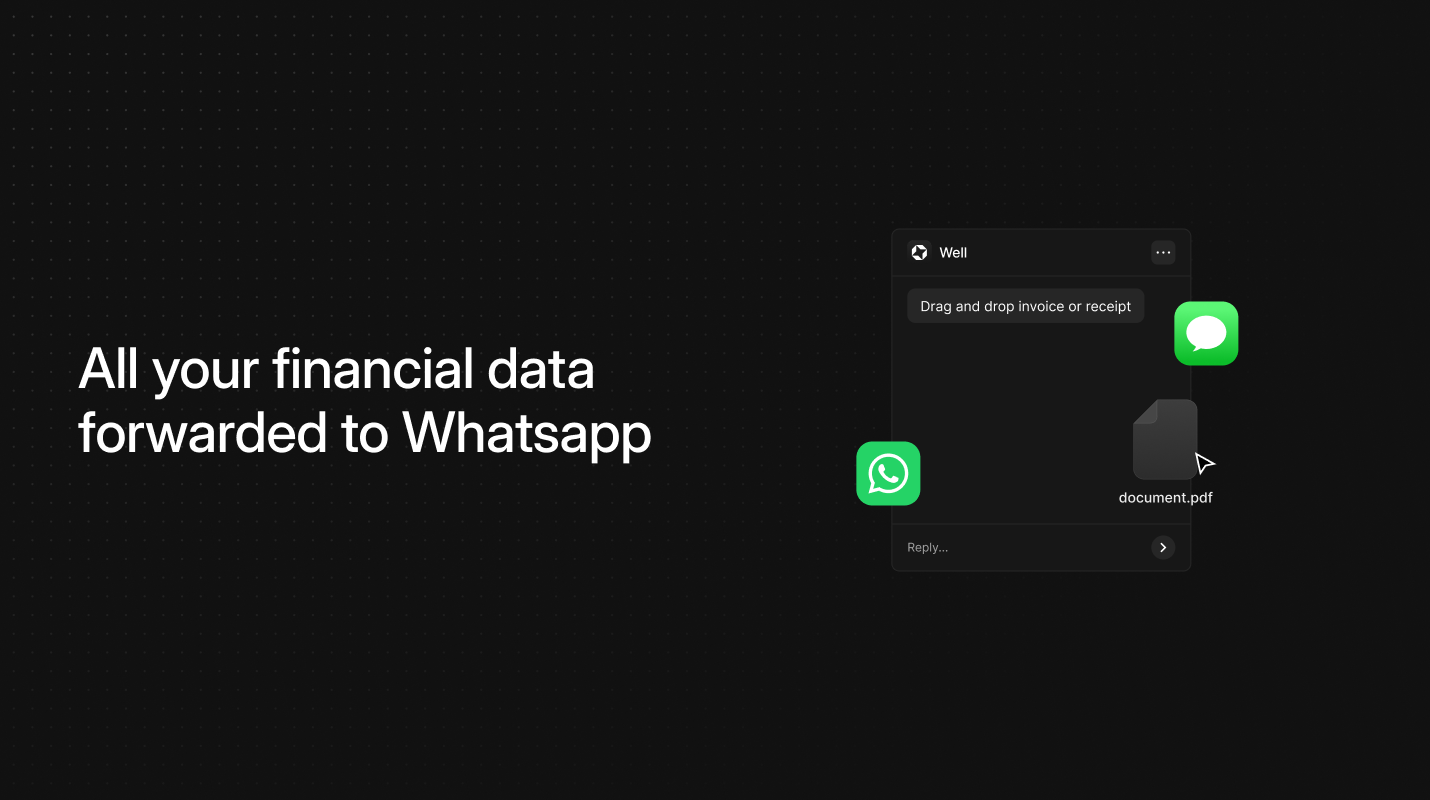
Well now provides a WhatsApp connector that enables direct document forwarding through WhatsApp messaging, automatically processing incoming invoices and receipts sent to your configured number. The integration uses phone number verification with one-time authentication codes to establish secure message routing. Once activated, the system monitors your designated WhatsApp number for document attachments and automatically processes them through the Well pipeline.

Gmail integration for document processing

Integration
Gmail integration for document processing

Introducing Gmail integration for document processing

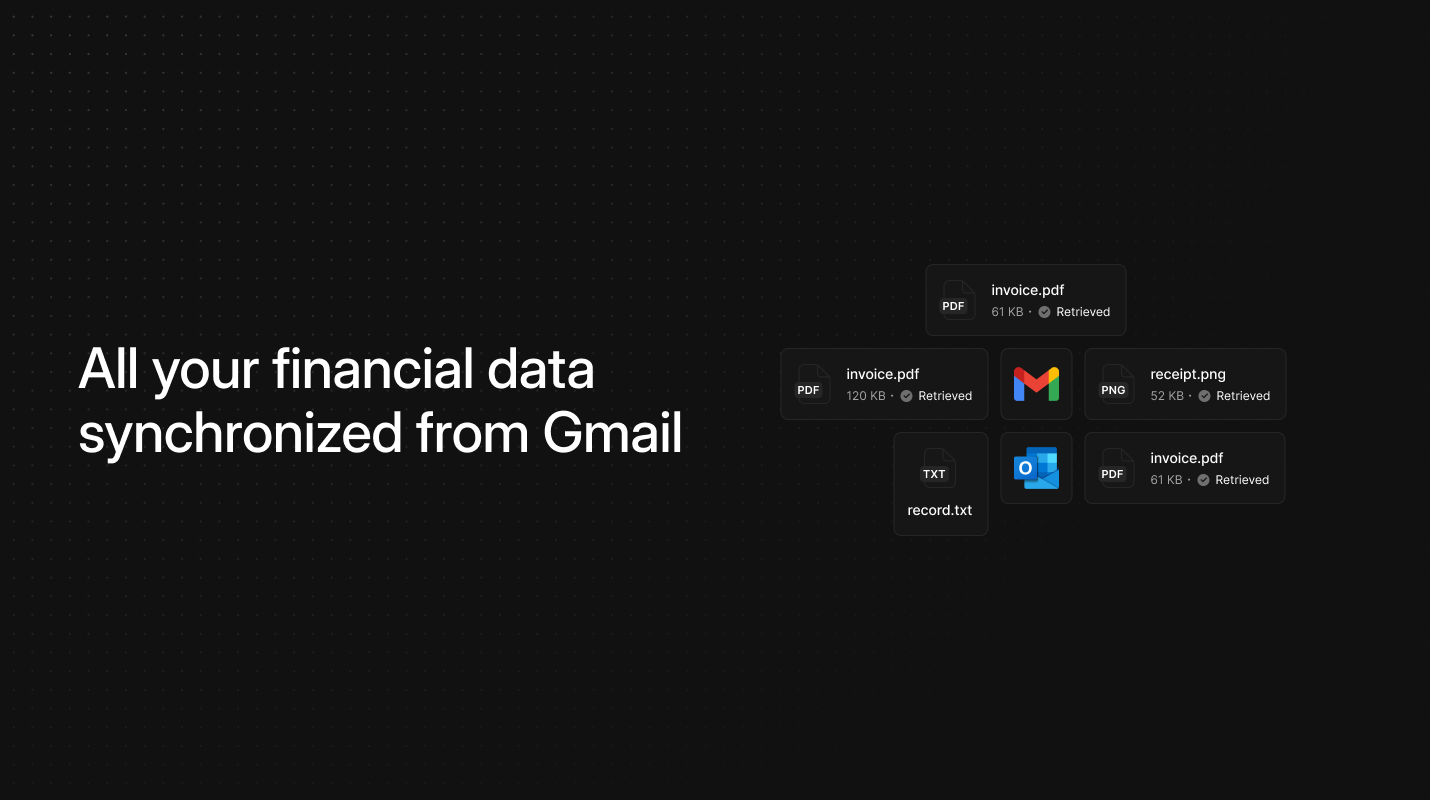
Well now provides a Gmail connector that automatically monitors your inbox for incoming invoices and receipts, processing both email content and attachments in real-time. The connector supports configurable scanning modes to process email bodies with attachments or attachments only, depending on your document workflow requirements. Once configured, the system continuously monitors for qualifying documents and routes them directly to your Well dashboard for processing.

Well embed APIs for fintech

Feature
API
Well embed APIs for fintech

Introducing Well embed infrastructure for financial document processing

Well Embed provides a connector infrastructure that automates document retrieval across multiple channels and data sources. The platform supports native drivers for Gmail, Google Drive, and Slack, mobile-forward channels through WhatsApp and iMessage integration, and an AI-powered Chrome extension that converts web portals into API endpoints for over 10,000 providers.

The infrastructure maintains privacy-first architecture with no password storage requirements and full GDPR and CCPA compliance. Output formatting supports both original document delivery and structured data extraction via API, compatible with existing financial workflow schemas.

Open-source document data extraction

Feature
API
Open-source document data extraction

Introducing open-source document data extraction

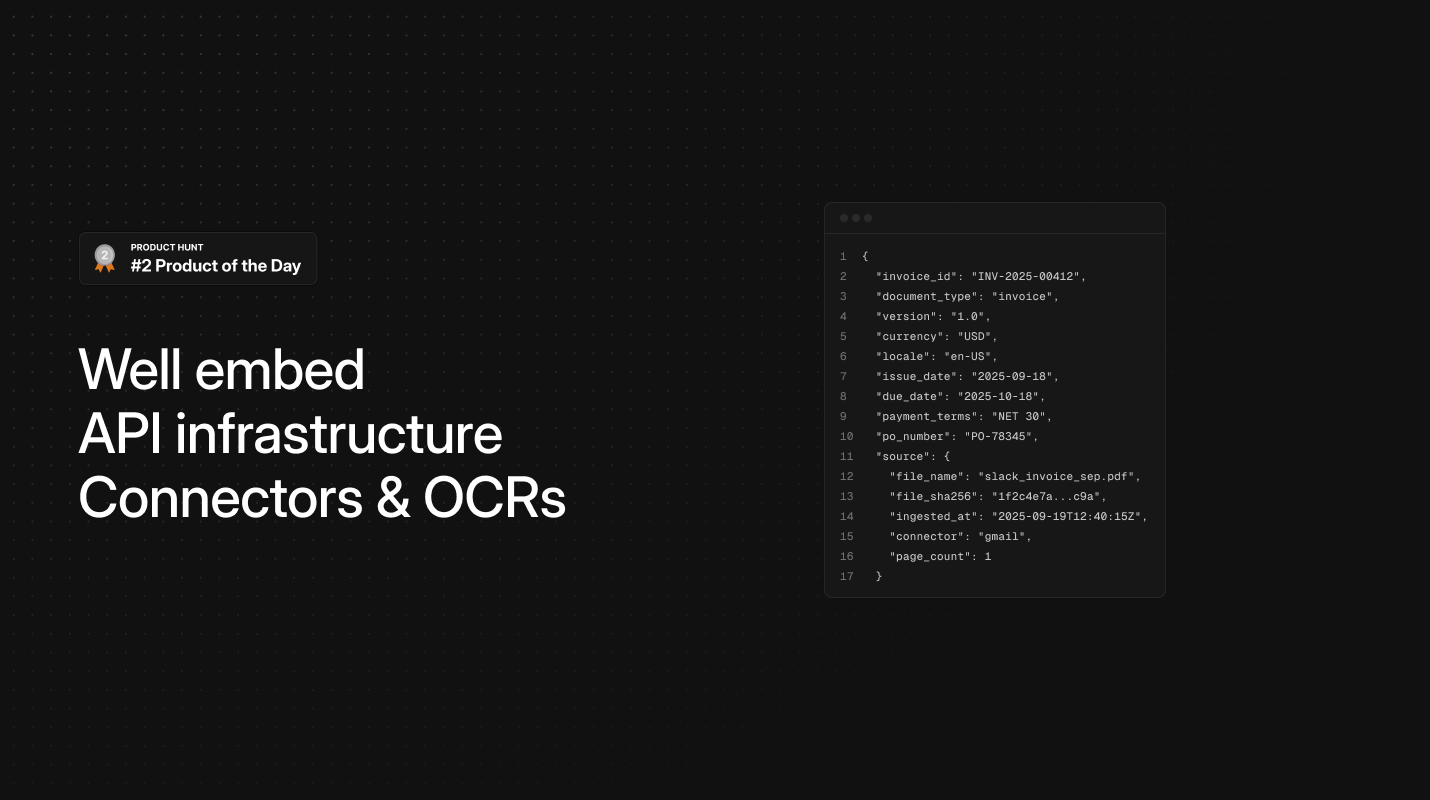
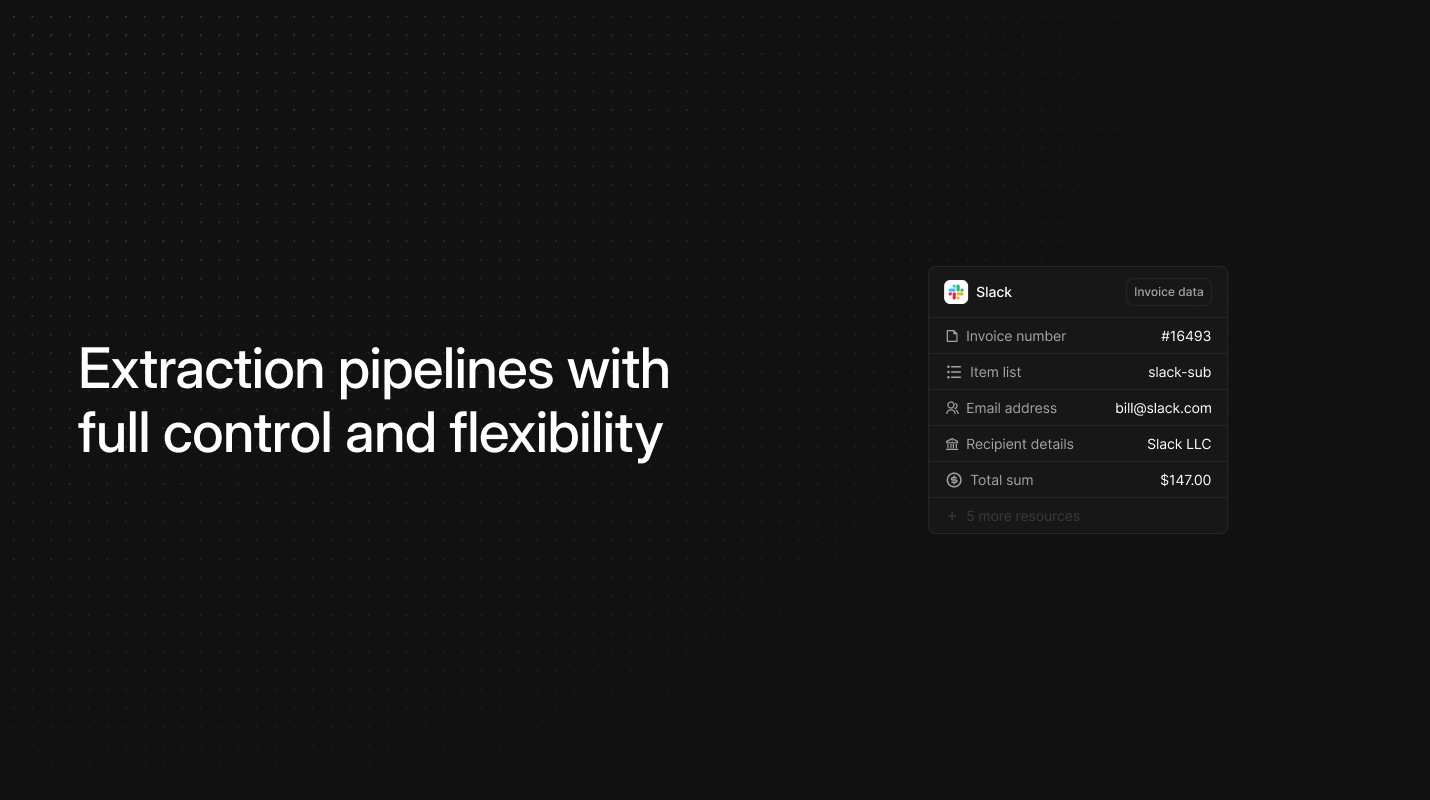
Well now provides a modular extraction package that combines AI models with OCR backends to automatically parse any document format into structured data schemas. The package outputs unified JSON compatible with Factur-X, Mindee, and B2B Router standards, including supplier details, invoice metadata, line items, tax information, and payment terms.

Each extracted field includes confidence scores for reliability assessment and downstream processing decisions. The package supports multiple AI providers including OpenAI, Claude, and Mistral for optimal extraction performance.